MobileConnect Now in HOA2
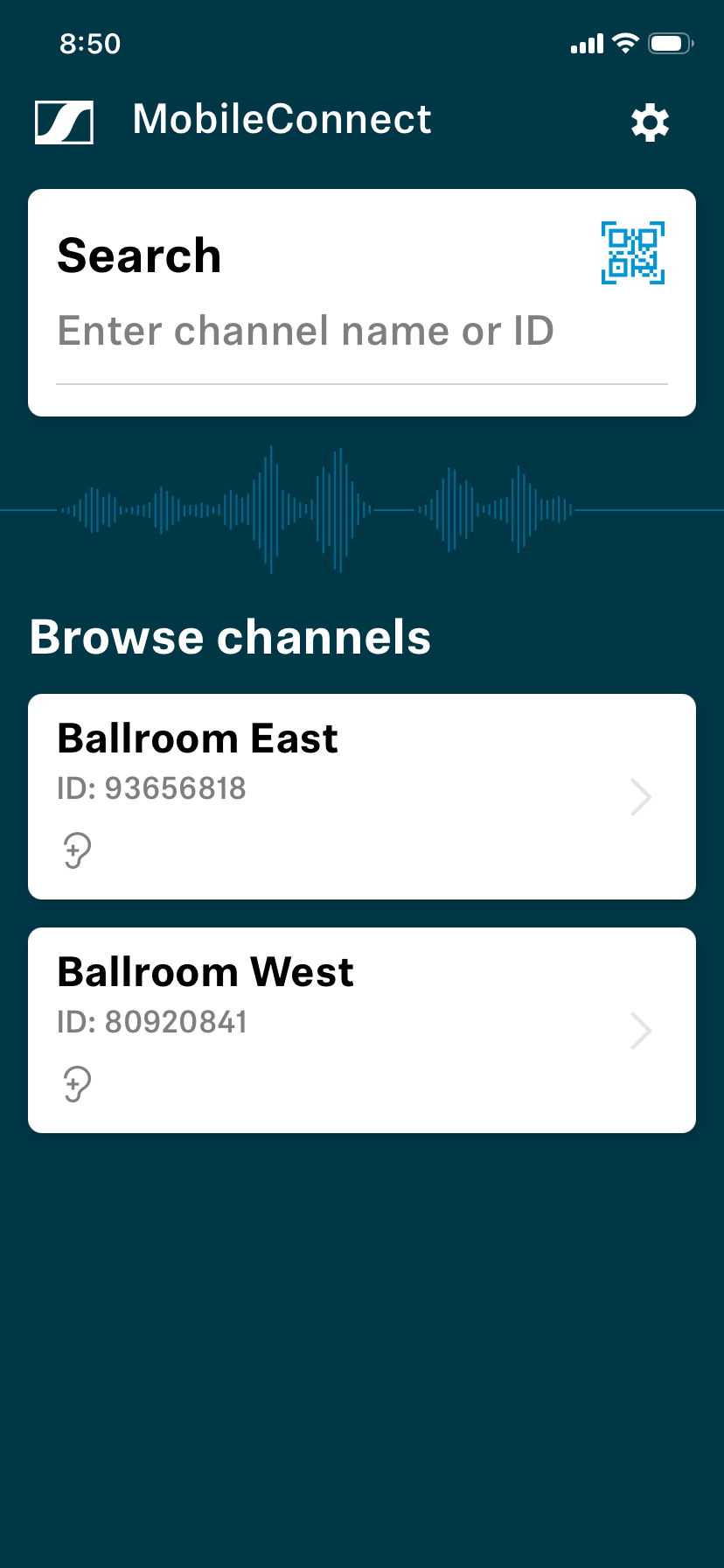
I am a member of the Saddlebrooke Hearing Discussion Group. In previous articles I have mentioned MobileConnect. It is a wireless audio streaming system that allows users to receive audio directly on their smartphone. The MobileConnect app then uses your phone’s Bluetooth connection to send audio to your hearing aids.
This fall HOA1 installed this system at the upper level of the HOA1 clubhouse. HOA2 has now installed MobileConnect in both MountainView Ballrooms East and West as well as the Sonoran Room.
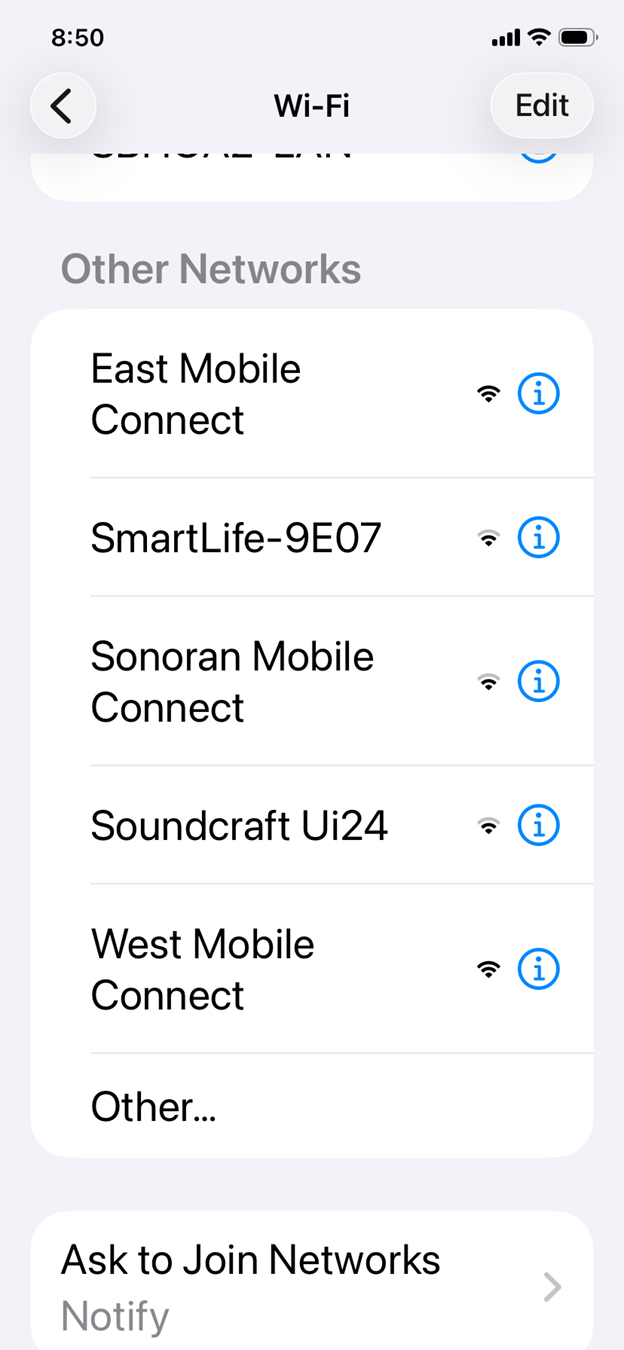
As is the case in HOA1 you need to first connect to the correct Wi-Fi network. In HOA1 you connect to the HOA1 network named “HearingAssist”. In HOA2 (see image below) you connect to the Wi-Fi network dedicated to the room in which you are located. In Ballroom East you connect to “East Mobile Connect”. In Ballroom West you connect to “West Mobile Connect” and finally in the Sonoran Room you connect to “Sonoran Mobile Connect”. No password is required for MobileConnect networks, and these networks do not have internet access.
Once you have connected to the correct network open the Sennheiser MobileConnect App on your device. You can use the QR code shown below to download the app.

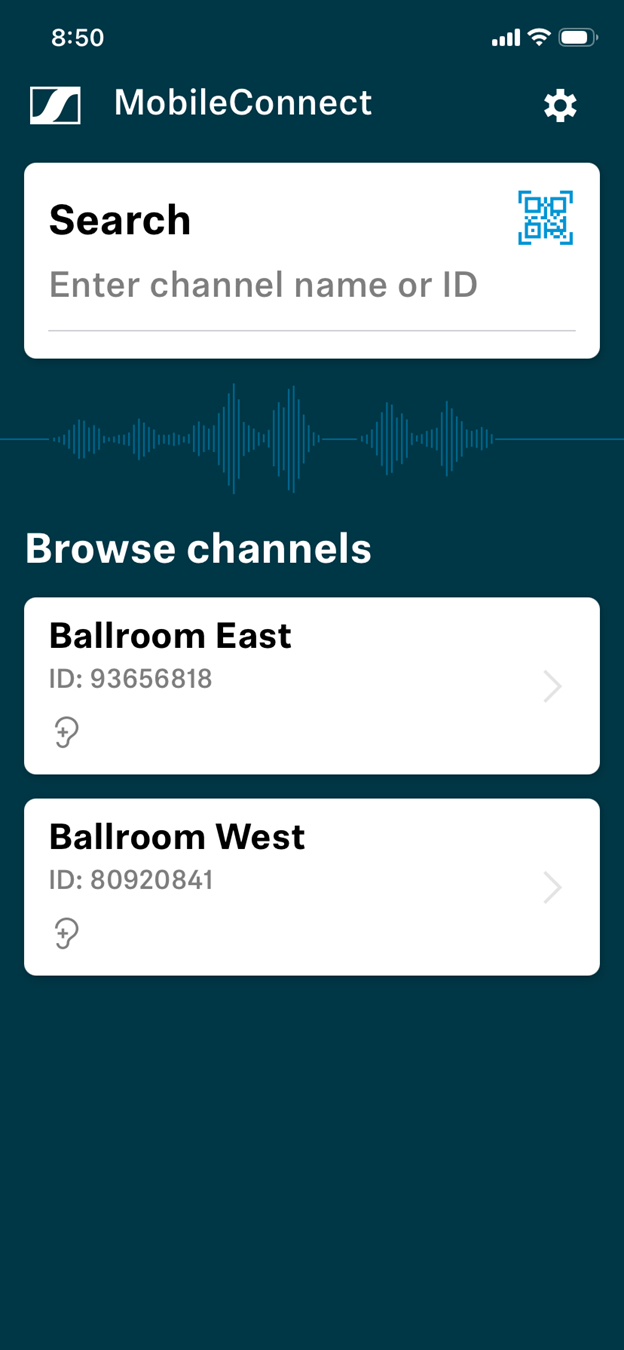
Once you have opened the app, select the appropriate Venue Audio Channel. The app will automatically display available channels for your location. In HOA1 tap Channel 1. If you are in the Ballroom tap either Ballroom East or Ballroom West (see first image below). If you are in the Sonoran Room, tap the Sonoran Channel (see second image below). The app only displays the available channels for your location, so if you are in the Sonoran Room, you will only see the Sonoran Channel displayed.
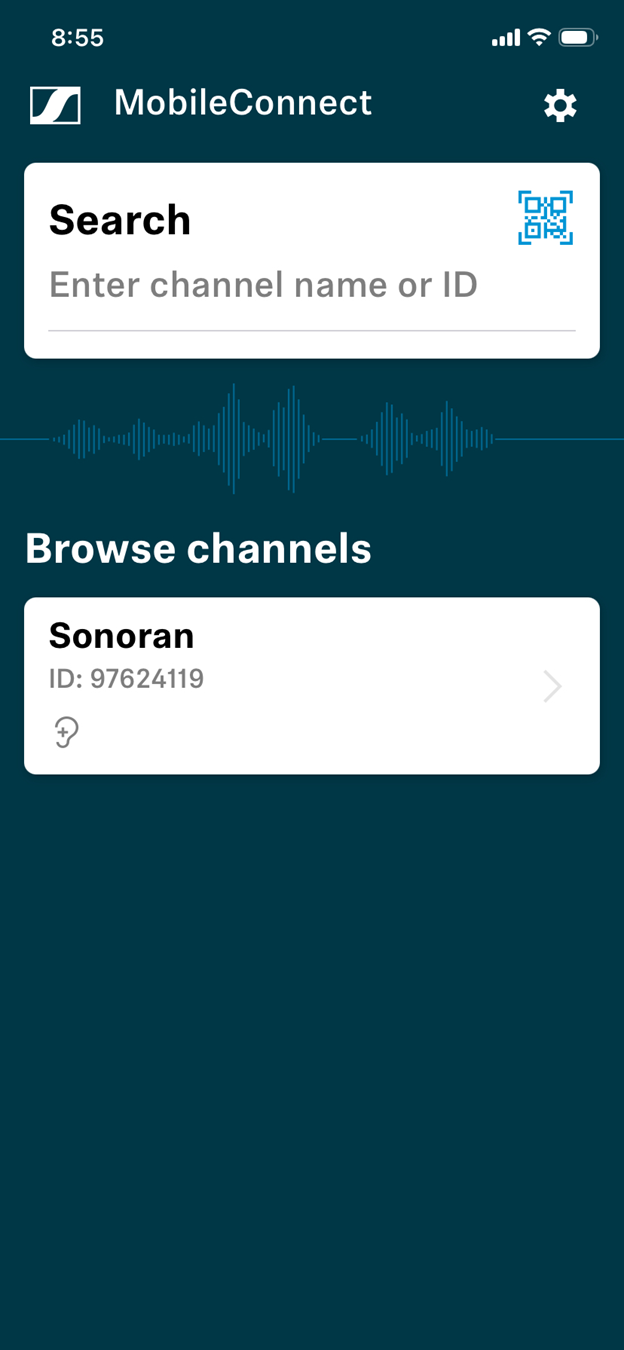
The reason that there 3 Wi-Fi networks in Mountain View Clubhouse is to allow assistive listening support for concurrent meetings in each of the 3 rooms. The previous loop system did not support concurrent meetings in Ballrooms East and West.
Once you have connected you can use your device’s volume buttons or the in-app volume slider to adjust the volume to a comfortable level. You can use the Pause Button to temporarily pause the audio stream so you can converse with a neighbor in the audience.
A few members of our hearing group had the opportunity to demonstrate the HOA2 installation. Previously with the loop there were several dead spots in the Ballroom. The signal was also impacted by simply moving my head up or down. I was able to walk throughout the Ballroom and hear the same quality audio stream no matter where I was or how I moved my head. The previous loop in the Sonoran Room had a lot of static in the signal due to electrical interference. There was no static with MobileConnect.
Our group meets on the 2nd Friday of every month at 10 AM. Due to a scheduling conflict we will be in Ballroom East in January. Stop by if you would like help or have questions. If you would like to have your email added to our distribution list, contact me at tgaule@outlook.com.